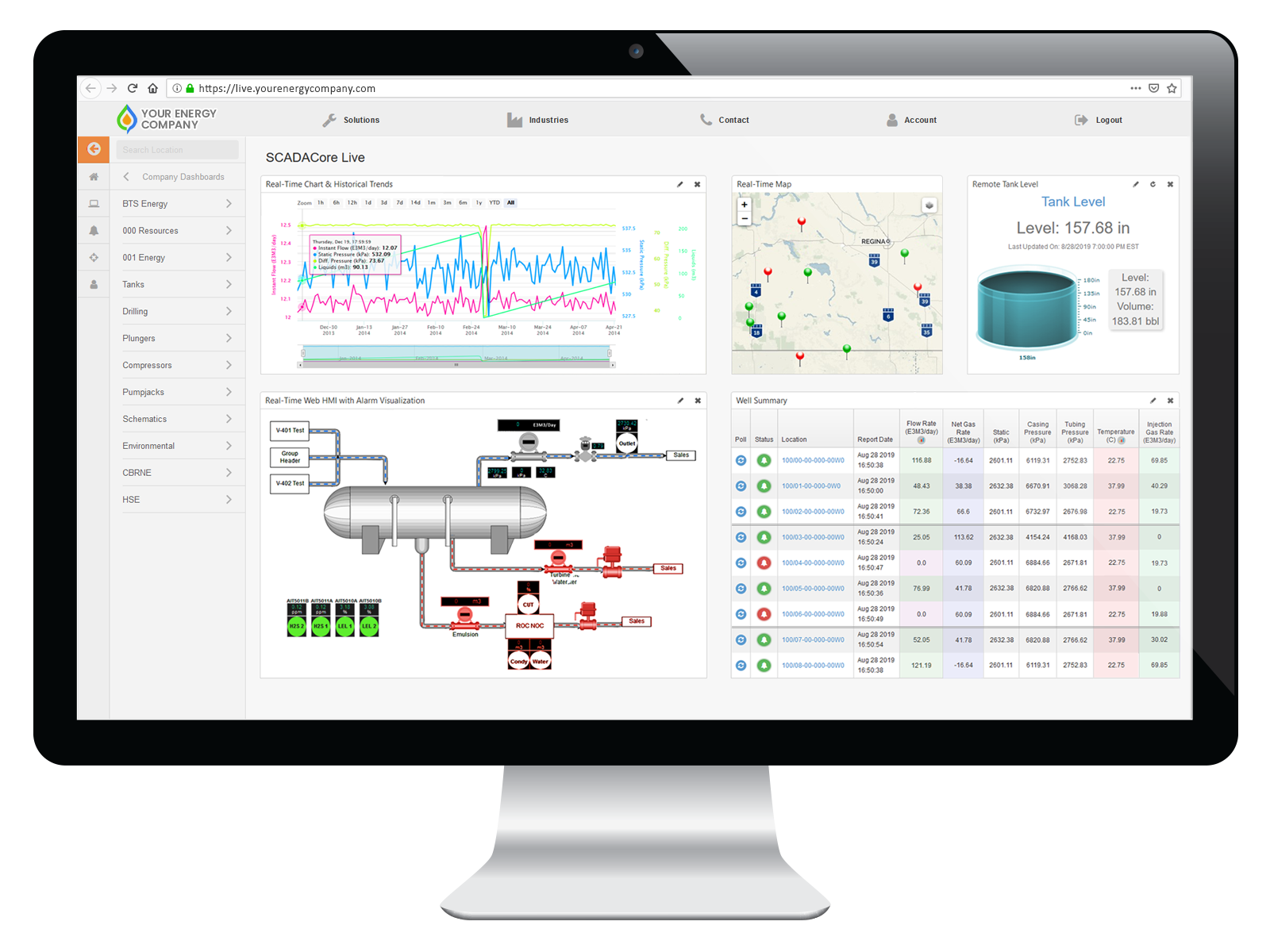
Samsara IIoT Sunset Replacement
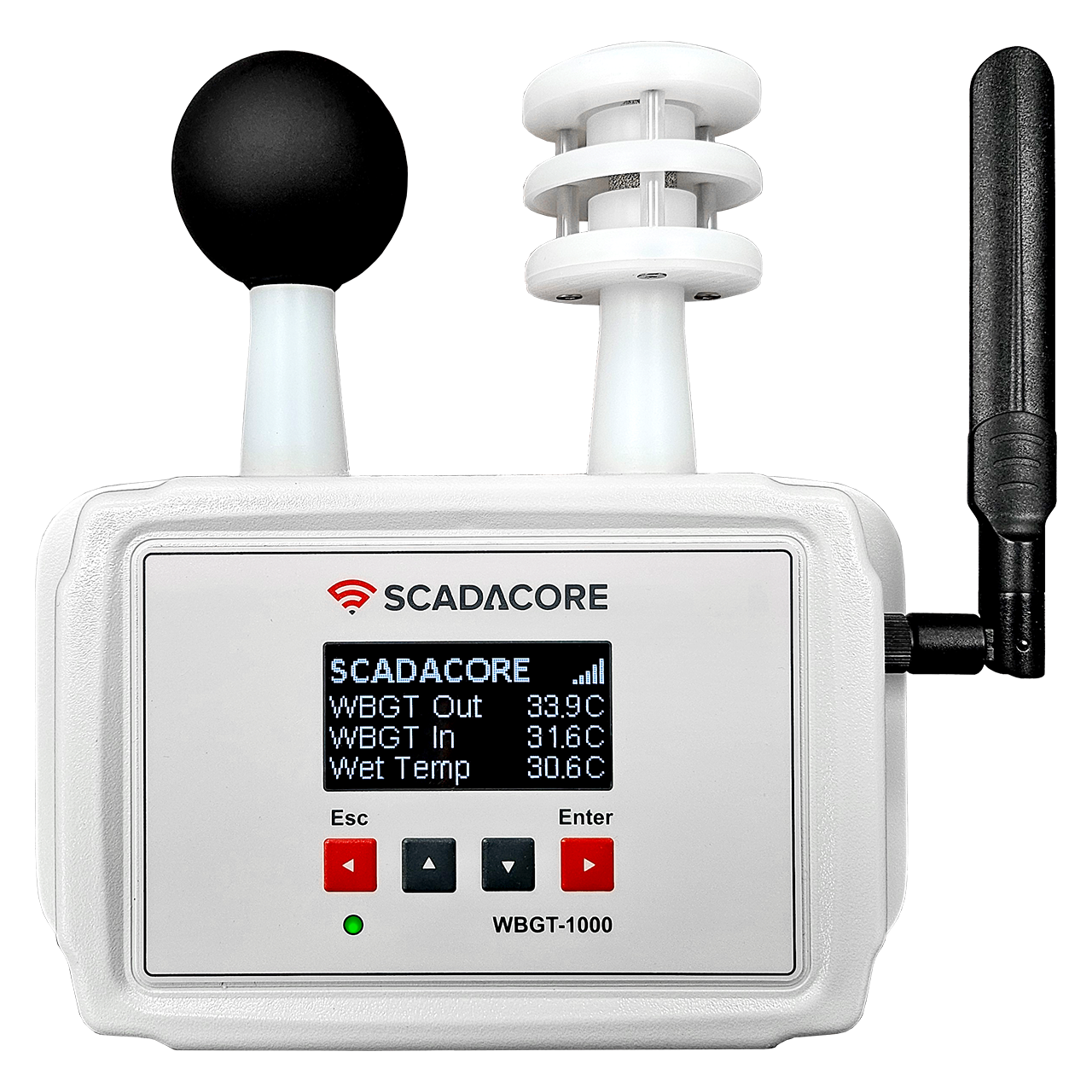
SCADACore Introduces the WBGT-1000-I
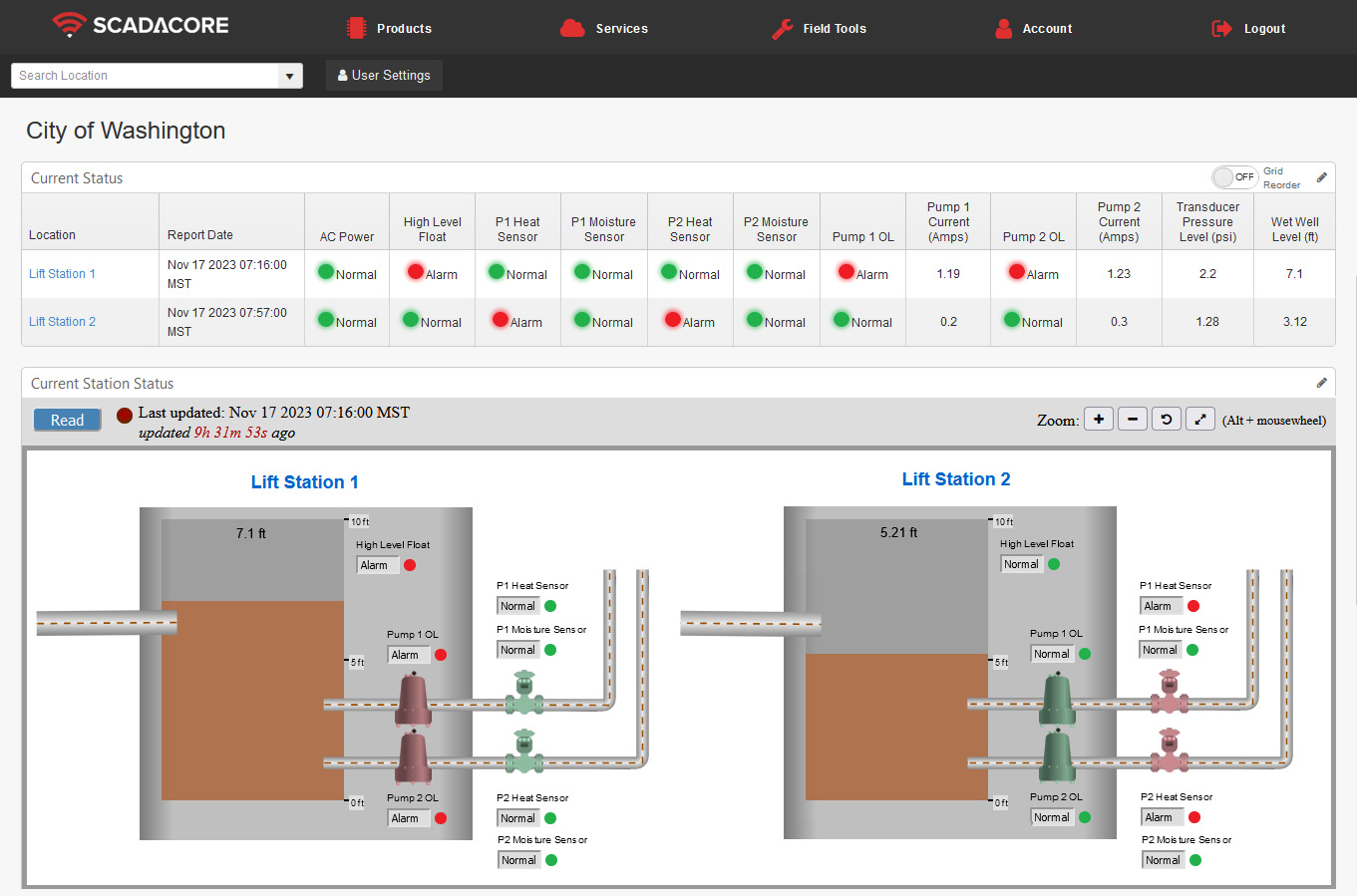
How SCADACore's Monitoring Can Help You Manage Lift Stations
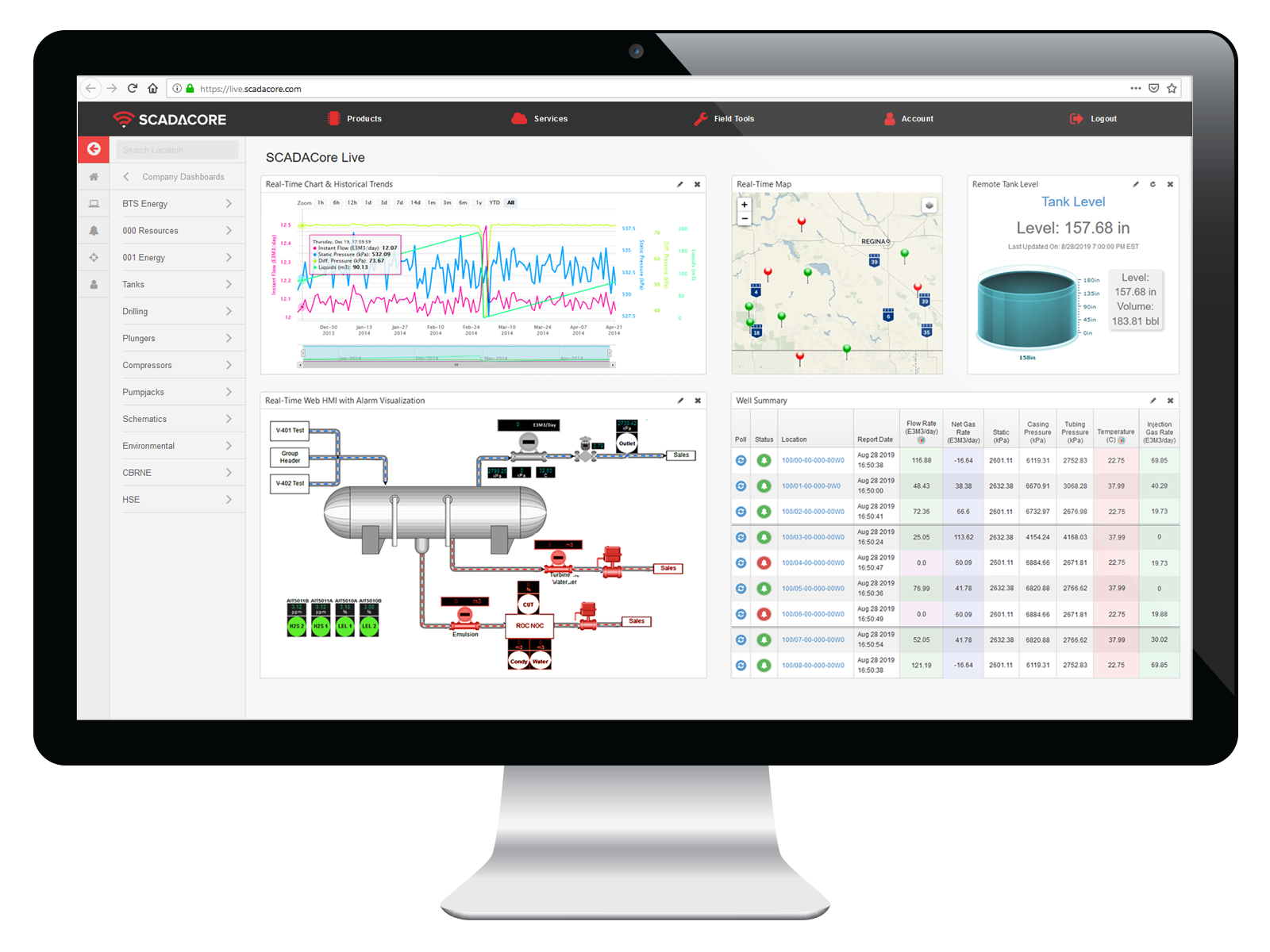
SCADACore SCADA / IIoT Remote Monitoring
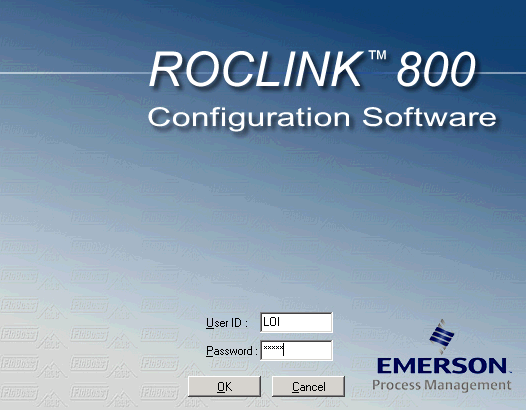
ROCLINK 800 Upgrading or Moving Existing Locations to a New Computer
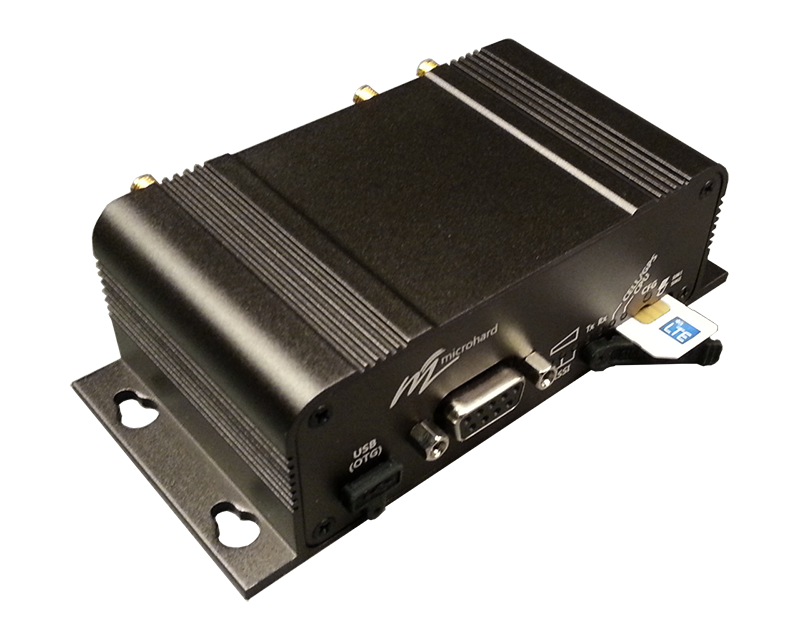
Microhard Modem SIM Insert Orientation
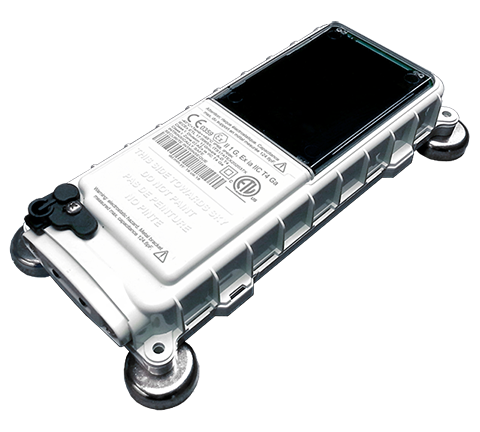
SCADACore Live - Release Notes - Version 1.2: Menu, Callout UI, and Driver Updates
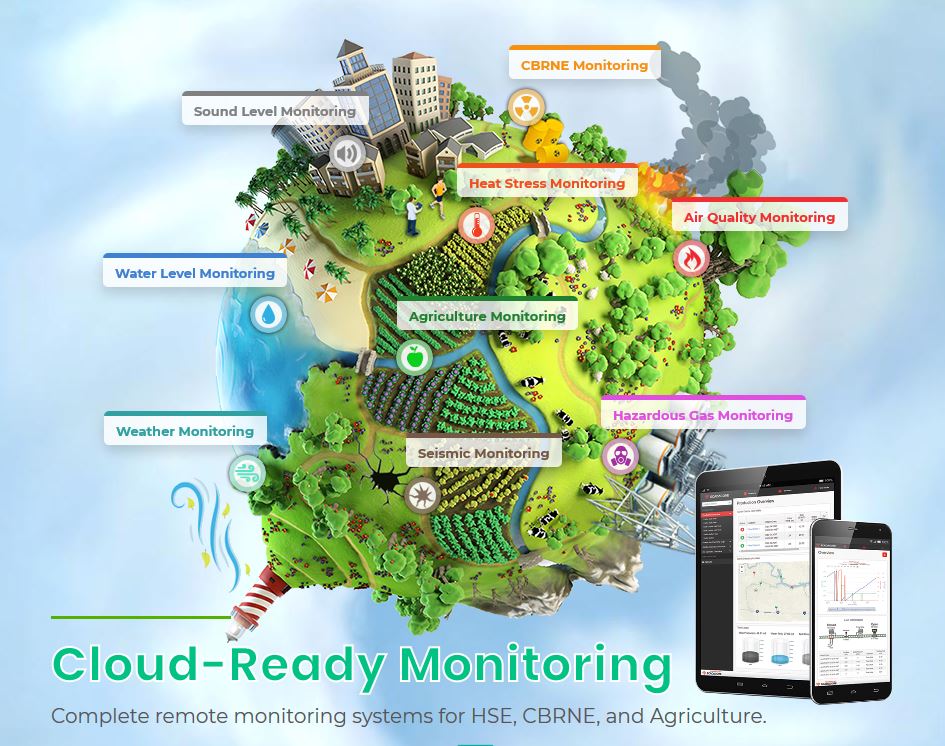
SCADACore Introduces New Initiative To Provide HSE and CBRNE Monitoring
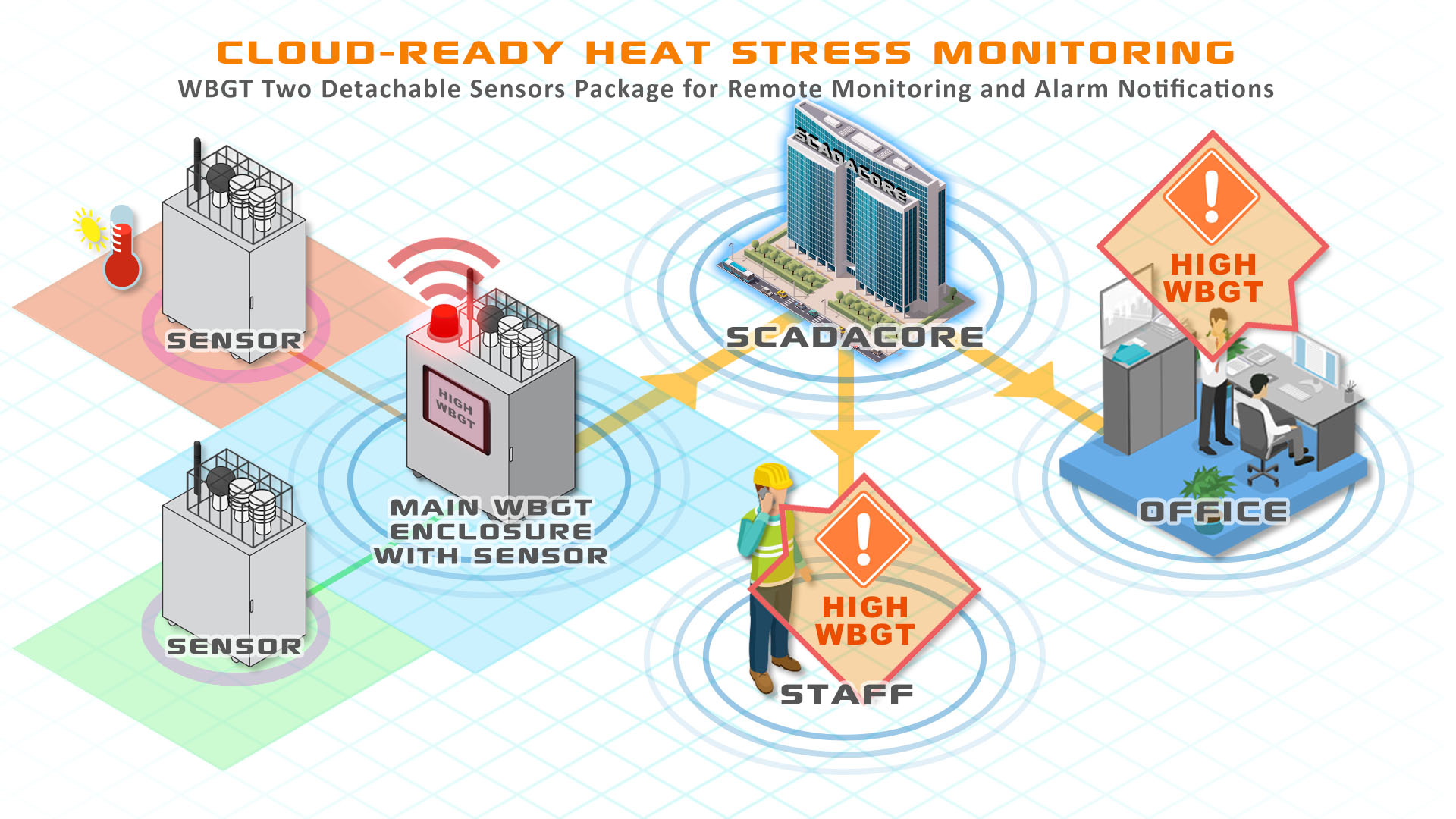
SCADACore Announces New Cloud-Ready Heat Stress Packages
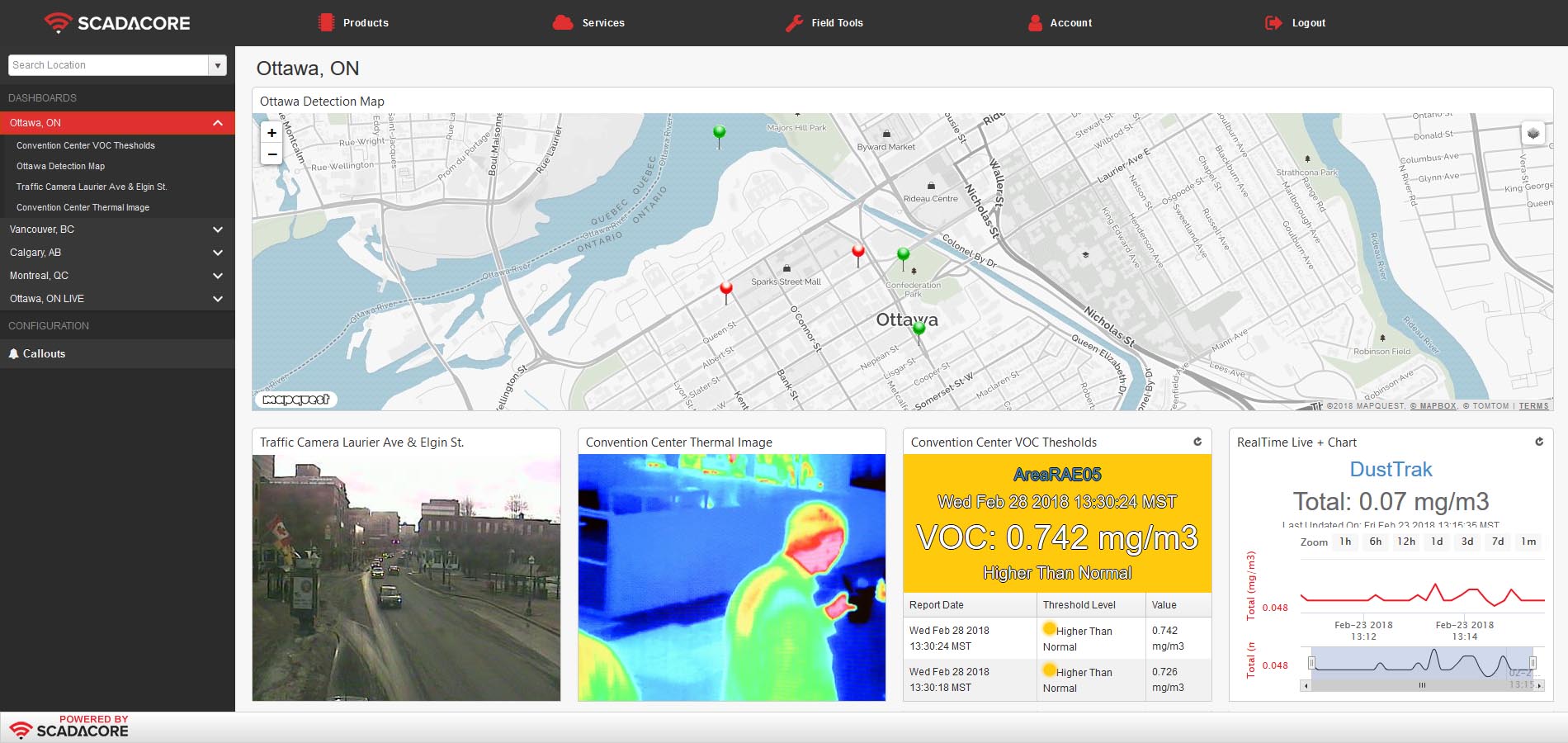
SCADACore Live - New Update: Real-Time Remote Monitoring System
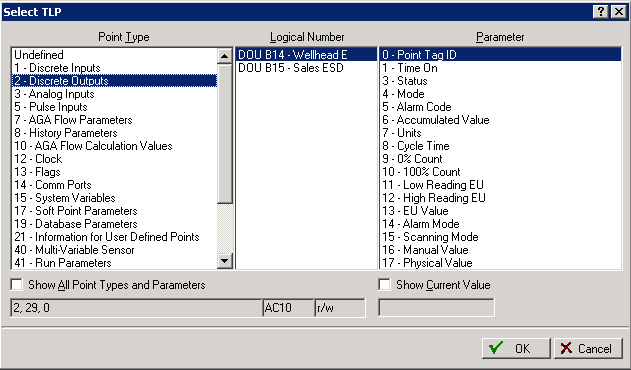
Mapping TLPs to Extended I/O in FBx (FB1200 / FB1100)
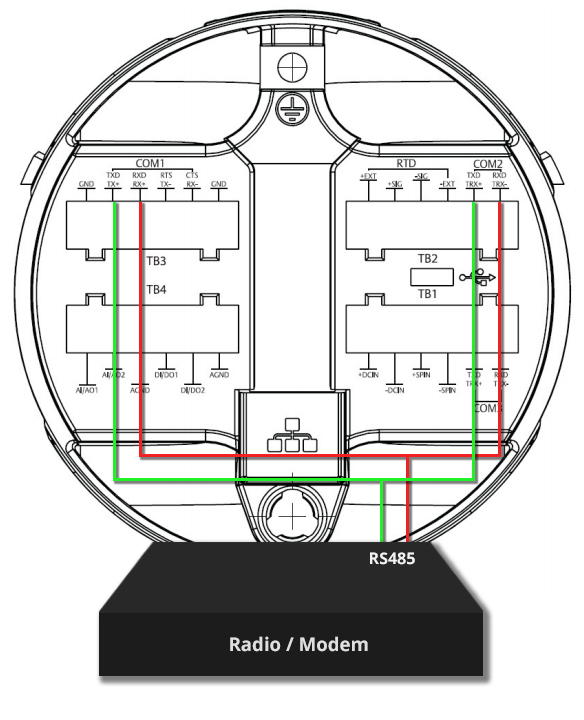
FBx Communications: Using Both ROCTalk and DNP Simultaneously
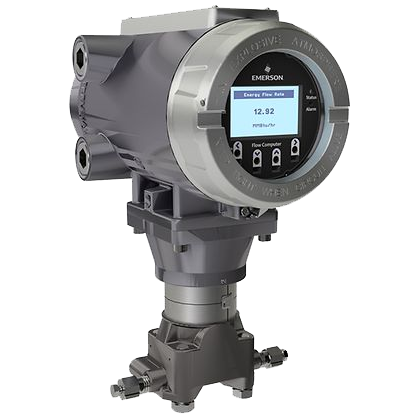
FBx Historical Configuration and Log Retrieval using ROC Protocol for SCADA and IIoT Remote Monitoring
8 Hidden Costs of Setting Up Your Own Traditional SCADA System

How Product Manufacturers and Field Technicians can benefit from IIoT
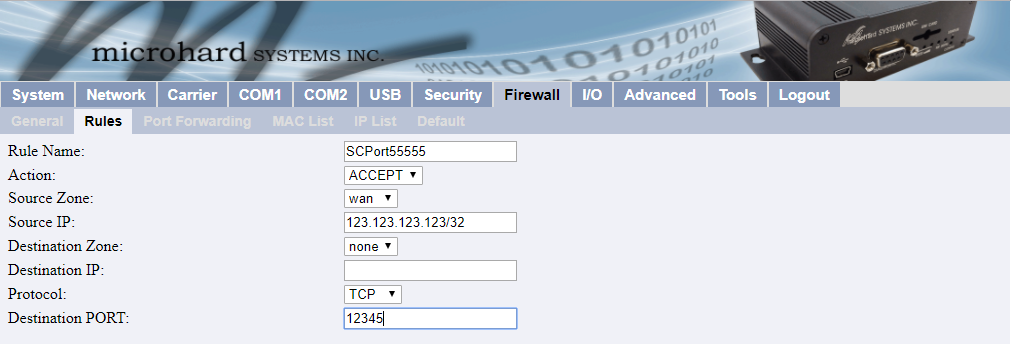
Whitelisting IP Addresses on Microhard Modems
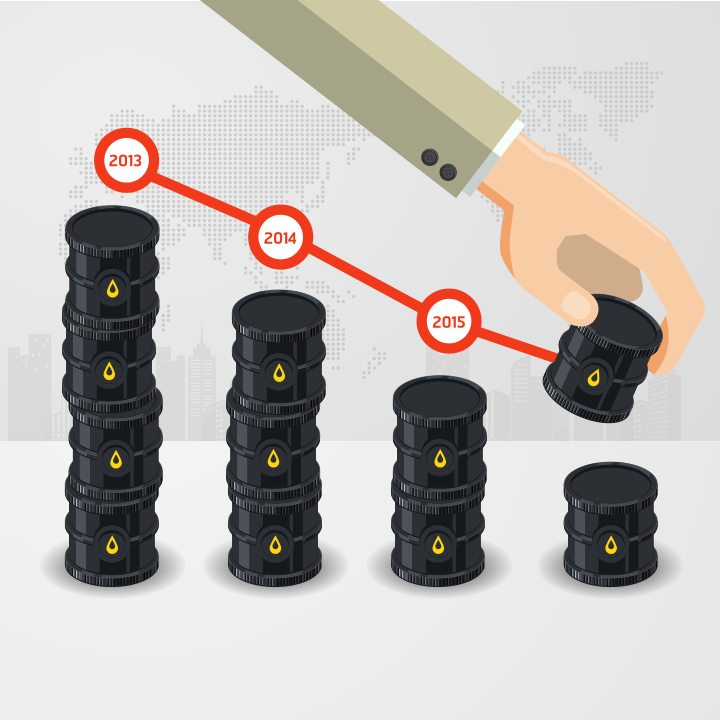
Low Oil Prices: How to Reduce Cost of Operations

SCADACore Announces New IIoT Platform for Industries

Cell Modem Security: 7 Ways to Secure Modems for Industrial Internet of Things (IIoT)
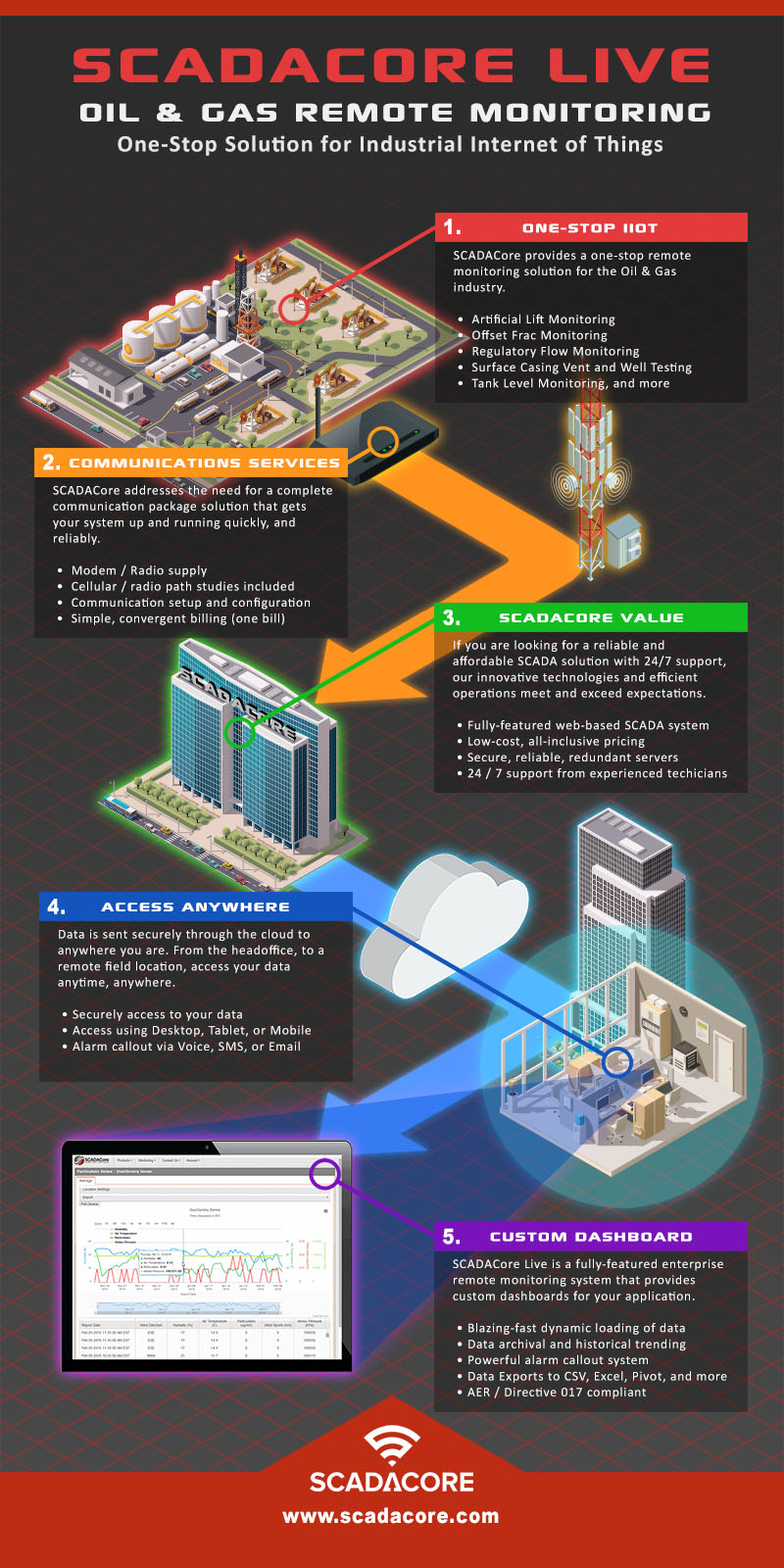
Oil & Gas Remote Monitoring / SCADA Overview
RF Line-of-Sight for Multiple Radios
The RF Line-of-Sight tool allows users to easily drag-and-drop locations and obtain point-to-point line-of-sight information anywhere using Google Maps. This map is useful in planning and troubleshooting cellular networks for IIoT / SCADA monitoring applications. SCADACore’s Industry 4.0 solutions include true 3D HMI / Digital Twin and Web HMI that works over the web.
This free online tool takes antenna height, the topographical formations of the Earth, as well as Earth’s curvature, to calculate the line-of-sight for multiple radio paths. Note that buildings and other obstructions is not taken into consideration when calculating line-of-sight using this tool.
This RF Line-of-Sight for Multiple Radios tool is can help map long distance radio communications for remote monitoring applications such remote shutdowns and data acquisition.
Please note that support for this tool is not available by phone. To report any problems, please send us a message here.
For best mobile experience, click here
How To Use
- The user can select the master radio or the slave radios either by dragging them into position or entering the GPS coordinates on the side panel.
- A red line indicates a line-of-sight that is blocked while a green line indicates a clear line-of-sight between the points.
- After the initial graph is created, the users will have the ability to modify the graph by specifying heights for the antennas.